Instagram posts for event planners: what to post and when
An event planner sells peace of mind: available dates, what each service includes and how the work with suppliers goes. Here are ideas for the week, the best times to post according to the average of two public studies and the Feedmakers features that make each post.
What to post
- The season's available dates
- What each package includes
- What gets decided six months out and what one week out
- The suppliers you work with
- One of the week's events, told in three moments
- Theme ideas for a birthday or a wedding
- How to ask for a quote
- A review, quoted exactly as it was written
When to post
Neither study has its own data for event planners, so the map uses the all-industries average.
The time slots with the most Instagram engagement, in your local time, according to two public studies.
- MonMonday15–17 h
- TueTuesday15–20 h
- WedWednesday17–18 h
- ThuThursday12–15 h
- FriFriday16–17 h
- SatSaturday11–12 h
- SunSunday12–16 h
- Both studies agree
- One of the two marks it
Sources
Sprout Social: nearly 2 billion engagements from about 307,000 profiles (Nov 27, 2025 – Feb 27, 2026)
Hootsuite: over 1 million posts, with times localized across 118 countries
How to do it with Feedmakers
- PlannerNorthbound Coffee
Content Planner
AI StrategyHelp me plan 3 strategic posts for my business this week, balancing value, attraction, and sales.
Reading your brand's goals and pillars…Working out hooks and angles…Shaping proposals and formats…Tuning tone and calls to action…Ask for ideas: “Plan 3 posts for this week”, “Ideas to promote…”
Content planner
Ask the planner for ideas for the week, like available dates or what each package includes, and generate the ones you pick without leaving the chat (it replies in Spanish for now).
- Post creatorSaltbox Kitchen
What do you want to say? *
Weekend brunch, from 10 to 3Generate · 1 creditBrunch worth waking up for
Unpublished
Post creator
Write the available dates in one line and get the image, with the text inside it, plus its caption.
- My postsNorthbound Coffee9:41northbound.coffee
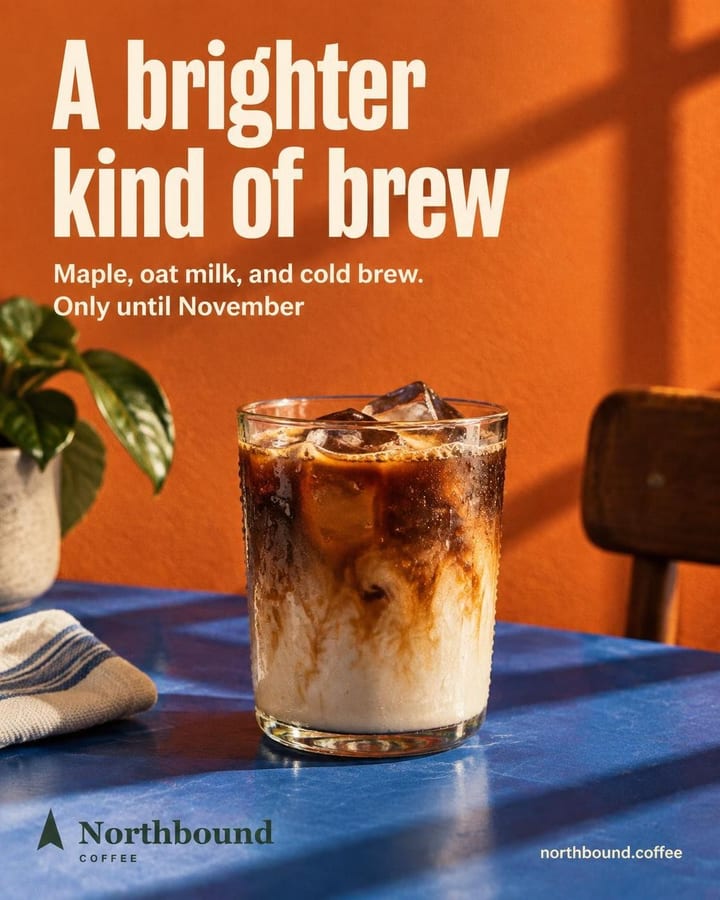
northbound.coffee Meet your brightest cold brew of the season. Maple, oat milk, and cold brew come together in a smooth seasonal pour made for brighter fall days.
Publish
Northbound Coffee
Where it goes
Instagram@northbound.coffeeFacebook (Page)Northbound CoffeeWhen
CancelPublish to 2 networksPublish and schedule
Schedule it to go out on its own on Instagram and Facebook, in one of the slots on the map.
Sample views with test businesses. Real designs and copy.
Frequently asked questions
Can I use photos from past events?
If a photo goes through the creator, an image model redraws it and can change details. To post your photo as it is, you upload a post made outside Feedmakers and schedule it.
Can I put the dates in the image?
Yes. You can type the dates yourself and they go inside the image. An image model draws them and can make mistakes, so check them before you post.
Can I show a client the posts before they go up?
Yes. With Client preview you create a link and your client sees the posts as an Instagram profile, without creating an account. They give you the go-ahead wherever you already talk.
How much does each post cost?
1 credit per image on Fast, 3 on Standard and 6 on High, and credits are only charged when the image comes out right. The caption doesn't spend credits.
Try it with your business
10 free credits when you confirm your email and back to 10 every month, no card and no watermark. The first ones cover 3 Standard images or 10 on Fast.