Publish to Instagram and Facebook right away or at the time you pick
Connect your business's Facebook Page and its Instagram, then publish from My posts: right away, or at the time you pick, and it goes out on its own.
- Free· limited
- Starter
- Pro
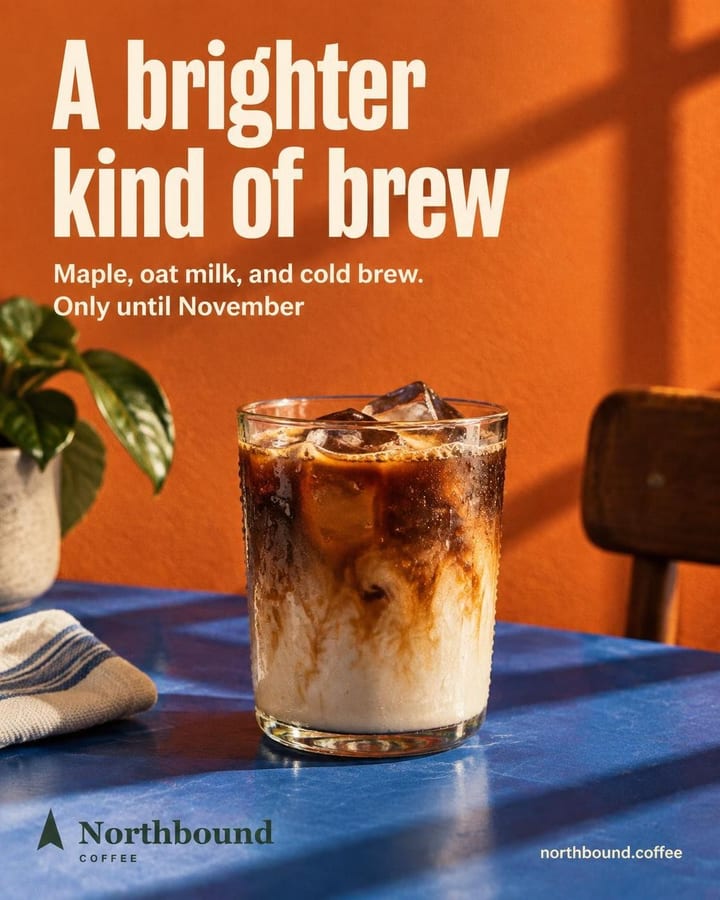
northbound.coffee Meet your brightest cold brew of the season. Maple, oat milk, and cold brew come together in a smooth seasonal pour made for brighter fall days.
Publish
Northbound Coffee
Where it goes
When
Sample view with a test business. Real designs and copy.
How it works
Connect your accounts
In Connections, tap Connect with Meta and assign your Facebook Page and its Instagram to your business.
Open the post
In My posts, open the post and tap Publish or Schedule. Pick the networks and check it on a phone before you confirm.
Choose when
Now publishes it right away. Schedule lets you pick the day, hour and minutes, and it goes out on its own at that time.
What's included
- Publishes to your business's Instagram professional account and Facebook Page: one or both.
- A single image, a carousel as one post or an Instagram story, including pieces you uploaded.
- Before confirming, you see the post on a phone, the way your followers will.
- Schedule the day (today or any of the next 59), the hour and the minutes in 5-minute steps, and it goes out on its own at that time, without the app open.
- If a scheduled post doesn't go out, the app tells you and you choose: Publish now, Change date or Cancel schedule.
- Publishing and scheduling don't use credits.
Which plan
- Free
- Limited
- Starter
- Included
- Pro
- Included
Publishing and scheduling are on every plan. Free publishes up to 20 posts a month, including your own images; Starter and Pro have no cap, and Pro adds businesses (10 vs 3), credits (300 vs 100 a month) and planner messages (500 vs 200).
Frequently asked questions
Can I publish to TikTok, LinkedIn or other networks?
No. It publishes to Instagram professional accounts and Facebook Pages. The Instagram account has to be linked to a Facebook Page.
Does it publish videos or reels?
No. It publishes images, carousels and image stories. An animation is downloaded and you upload it yourself.
Related features
All features- Publish and measureCalendar and best timesSee what's scheduled and published, and schedule at the best Instagram times for your industry.
- Publish and measurePost metricsLikes, comments, shares and reposts for each post you publish to Instagram from Feedmakers.
- PlanSchedule from the plannerTell the planner which post and when, then confirm the schedule with one click.
Try it with your business
10 free credits when you confirm your email and back to 10 every month, no card and no watermark. The first ones cover 3 Standard images or 10 on Fast.