How to post on Facebook and Instagram at the same time: three ways
Posting the same thing twice is wasted time. With your Instagram linked to your business's Facebook Page, every post can go out on both networks at once. Here are the three ways to do it and when each one makes sense.
Updated October 5, 2026
The short answer
Link your professional Instagram account to your business's Facebook Page. Then post to both from Instagram with “Share to Facebook”, from Meta Business Suite by picking both accounts, or from Feedmakers with a single button.
First, link the two accounts
None of the three ways works without this step. You only do it once.
Switch Instagram to a professional account
In Instagram's settings, switch to a professional account, business or creator. It's free and you keep your followers and posts.
Account type
PersonalFor personal use. Can't schedule or publish from other tools.ProfessionalInsights, contact buttons and publishing from other tools.CreatorBusinessCoffee shopLink it to your Facebook Page
From Instagram's Accounts Center, add your Facebook account and pick the business Page. It has to be a Page, not your personal profile, and you need to manage it.
@northbound.coffeeInstagramAccounts CenterNorthbound CoffeeFacebook Page
Three ways to post to both
All three are free. What changes is how much work is left for you.
From Instagram, with “Share to Facebook”
When you post on Instagram, turn on sharing to Facebook before you tap “Share”. Leave it on and it happens every time.
Share to FacebookThe post also goes out on the business Page.From Meta Business Suite
Create the post once and pick both the Facebook Page and the Instagram account as destinations. You can schedule it there too.
Post to
- @northbound.coffeeInstagram
- Northbound CoffeeFacebook Page
From Feedmakers, with the post already made
Connect your Meta account once. Every piece comes with its caption, and “Publish now” sends it to Instagram and Facebook, or you schedule it for the day and time you pick.
My postsNorthbound Coffee9:41northbound.coffee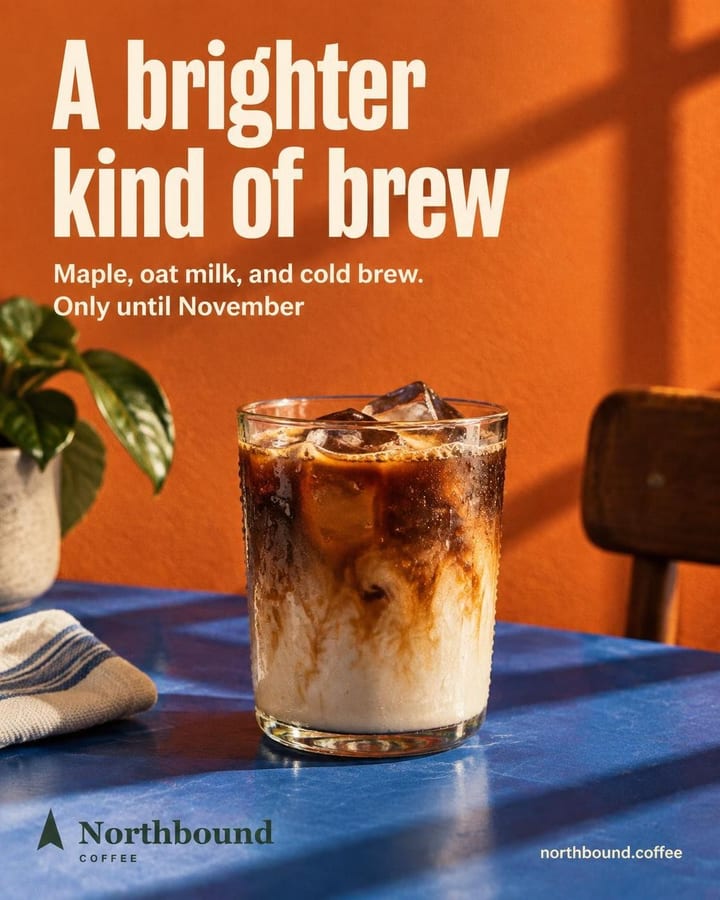
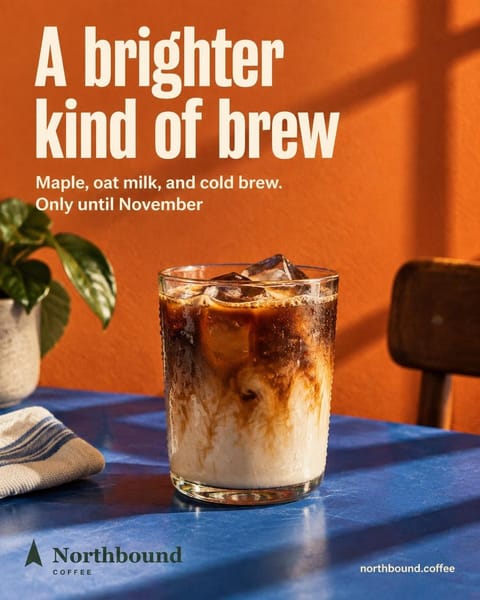
northbound.coffee Meet your brightest cold brew of the season. Maple, oat milk, and cold brew come together in a smooth seasonal pour made for brighter fall days.
Publish
Northbound Coffee
Where it goes
Instagram@northbound.coffeeFacebook (Page)Northbound CoffeeWhen
CancelPublish to 2 networks
Good to know
One caption for both
A clear idea in the first lines works on both networks. Hashtags matter more on Instagram; on Facebook, the text does.
Page not showing up?
You need to be an admin of the Page and use the same Facebook account through the whole linking process. It's the most common mistake.
Sizes aren't free-form
Instagram's feed accepts images between 4:5 and 1.91:1. A vertical 4:5 image publishes well on both networks.
Frequently asked questions
Do I need a Facebook Page to post on Instagram?
Not to post by hand from the Instagram app. To post to both at once, or from Feedmakers, yes: Meta requires a professional Instagram account linked to a Page.
Does it go out exactly the same on both?
The image and the caption are the same. Feedmakers publishes to Instagram first and then to Facebook; if one fails, the other stays published and it tells you which one failed.
Can I schedule it for another day?
Yes. In Feedmakers you pick the day and time, up to 59 days ahead, and it goes out on both networks on its own. The free plan publishes and schedules up to 20 posts a month.
Does it cost anything?
Linking the accounts and posting is free. In Feedmakers, publishing doesn't spend credits: credits are for creating the images.
Keep reading
All guides- How to schedule Instagram posts for freeFrom the Instagram app or from Feedmakers, on both networks at once.
- How to switch to an Instagram professional accountBusiness or creator, your category and the link to your Facebook Page.
- Instagram sizes: post, story and reel dimensionsThe ratios for the feed, stories and reels, in pixels.
- Image resizerGet your image to 4:5, 1:1 or 9:16 and download it at 1080 px.
- Best times to postWhich days and hours to post for your type of business.
Sources
Reviewed October 5, 2026. Instagram's and Facebook's menus change with each app version: if something looks different, look for the option by its name.
Try it with your business
- Free, no card and no watermark
- 10 credits to start and 10 every month
- Publish and schedule up to 20 posts a month