Instagram image resizer: free, no sign-up
Pick your image, the format and which part stays, and download it at the right size for the feed, stories or reels. Everything happens in your browser: the image isn't uploaded anywhere.
Updated October 5, 2026
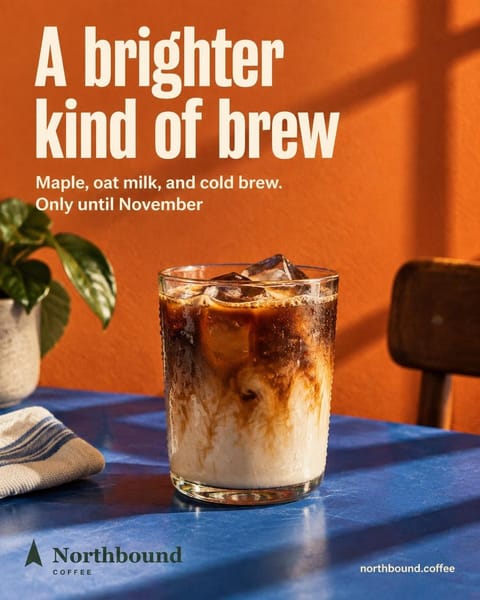
Comes out at 1080 × 1350 px, as a JPG.
Your image never leaves your browser: it isn't uploaded to any server.
How to resize an image for Instagram
Choose your image
From your computer or phone, as a JPG, PNG or WebP. You can drag it onto the box.
Pick the format and the fit
Crop fills the format and lets you choose which part stays; fit inside shows the whole image on a background.
Download and post it
It comes out 1080 px wide, the size Instagram uses, ready to upload.
Good to know
Portrait for the feed
4:5 takes up more of a phone screen than a square or a landscape image.
Watch text near the edges
If the image has text, check the crop doesn't cut it. If it won't fit, use “Fit inside”.
Give stories some room
In 9:16, leave space at the top and bottom: that's where the account name and the reply box go.
Frequently asked questions
Is my image uploaded to a server?
No. Cropping and resizing happen in your browser, on your own device: the image never leaves it.
Which size is best for the feed?
Portrait 4:5, at 1080 × 1350 px: it takes up the most screen. Instagram accepts 4:5 to 1.91:1 in the feed, and stories and reels are 9:16.
Does the image lose quality?
It comes out 1080 px wide, the size Instagram displays posts at. If the original is smaller, it gets scaled up and may look less sharp.
Does it work on my phone?
Yes. Pick the image from your gallery, move the crop with your finger and download it to your phone.
What if I want the post made at the right size from the start?
With Feedmakers you pick 4:5 or 1:1 for the feed and 9:16 for stories, and the post comes out at that size with the text inside. The free plan includes credits to create and publishes up to 20 posts a month.
More free tools
All tools- Carousel splitterCut a wide photo into slides that flow into each other.
- Story and reel safe zoneSee what Instagram covers on your stories and reels before posting.
- Caption previewSee where your caption cuts off, its characters and hashtags.
- Profile previewOrder your next posts and see how your profile grid will look.
- QR code generatorA QR code for your Instagram or menu, in your colors, ready to print.
- YouTube thumbnailsPaste your video link and AI makes the thumbnail at 1280 × 720.
Try it with your business
- Free, no card and no watermark
- 10 credits to start and 10 every month
- Publish and schedule up to 20 posts a month