Story and reel safe zone: free, no sign-up
Pick your vertical image and see what Instagram covers on a story or a reel. If your text or logo lands in the marked area, move it before posting. Everything happens in your browser.
Updated October 8, 2026
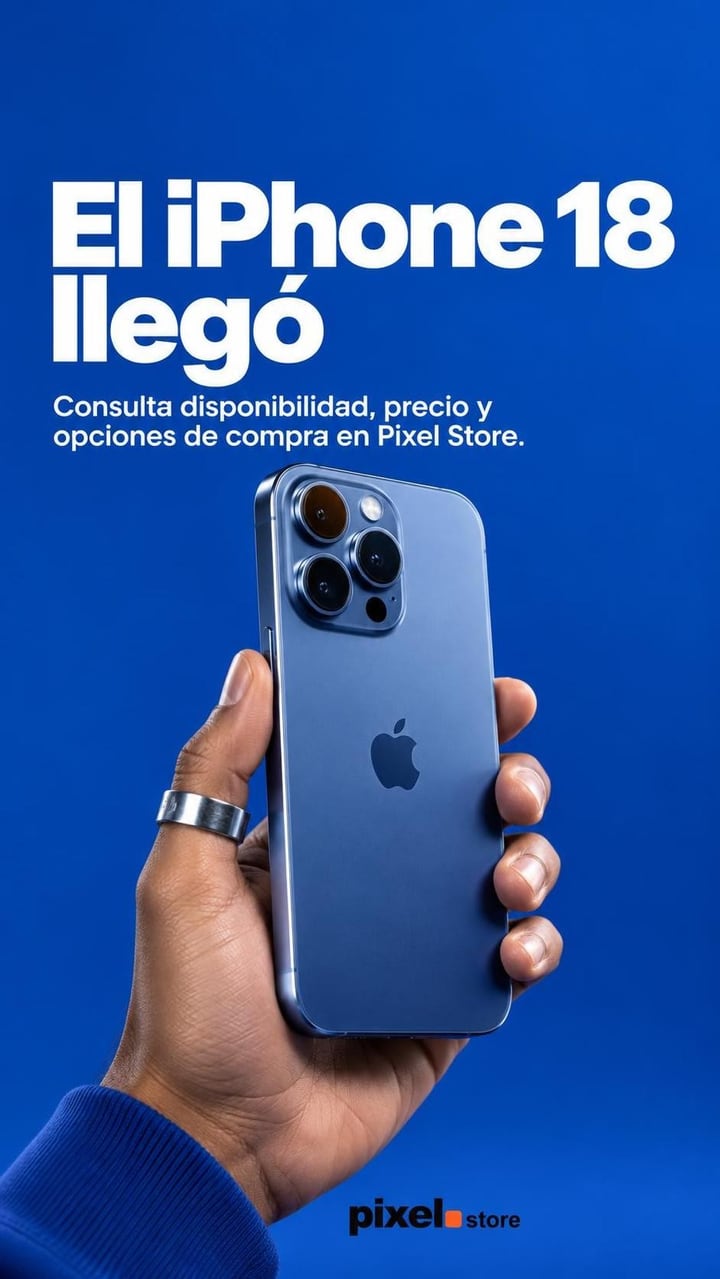
- What Instagram covers
- Safe zone
A transparent 1080 × 1920 px guide to lay over your design in Canva or your editor.
Your image never leaves your browser: it isn't uploaded to any server.
How to check a story or reel safe zone
Pick your vertical image
The story or the reel cover, in 9:16. If it isn't 9:16, you choose which part stays.
Choose story or reel
Each covers different parts: a reel covers much more at the bottom, for the caption and buttons.
Move whatever gets covered
If the text, the price or the logo lands in the marked area, move it up or down in your design before posting.
Good to know
Keep the key part centered
On a story, the middle of the screen is the only area nothing ever covers.
Higher up on reels
The reel caption and buttons take almost a third of the bottom: put the price or the call to action above them.
Use the guide in your editor
Download the guide and add it as a layer over your design: you see the safe zone while you build it.
Frequently asked questions
What is the Instagram story safe zone?
On 1080 × 1920 px, keep the top 250 px and the bottom 250 px clear: your profile and the progress bar go at the top, and the reply box at the bottom.
And for a reel?
Meta's ads guide asks to keep the top 14%, the bottom 35% and 6% on each side clear. It's written for ads, but a regular reel has the same interface in the same places.
Is my image uploaded to a server?
No. The image opens in your browser and the guide is drawn on top: nothing leaves your device.
Do the sizes change by phone?
A little: the interface adapts to each screen. That's why it's worth leaving some margin and not placing anything right on the edge of the zone.
What if I want the story made with the zone already clear?
Feedmakers makes 9:16 stories that keep the top and bottom quarters clear, with your brand and the text in the middle. The free plan publishes up to 20 posts a month.
More free tools
All tools- Image resizerGet your image to 4:5, 1:1 or 9:16 and download it at 1080 px.
- Carousel splitterCut a wide photo into slides that flow into each other.
- Caption previewSee where your caption cuts off, its characters and hashtags.
- Profile previewOrder your next posts and see how your profile grid will look.
- QR code generatorA QR code for your Instagram or menu, in your colors, ready to print.
- YouTube thumbnailsPaste your video link and AI makes the thumbnail at 1280 × 720.
Try it with your business
- Free, no card and no watermark
- 10 credits to start and 10 every month
- Publish and schedule up to 20 posts a month