Instagram stories: post them directly or finish them on your phone
Pick the Story format in the creator and see it inside a story frame before you publish it. Then decide how it goes out: on its own, right away or at the time you pick, or finished by you in Instagram with music and stickers.
- Free· limited
- Starter
- Pro
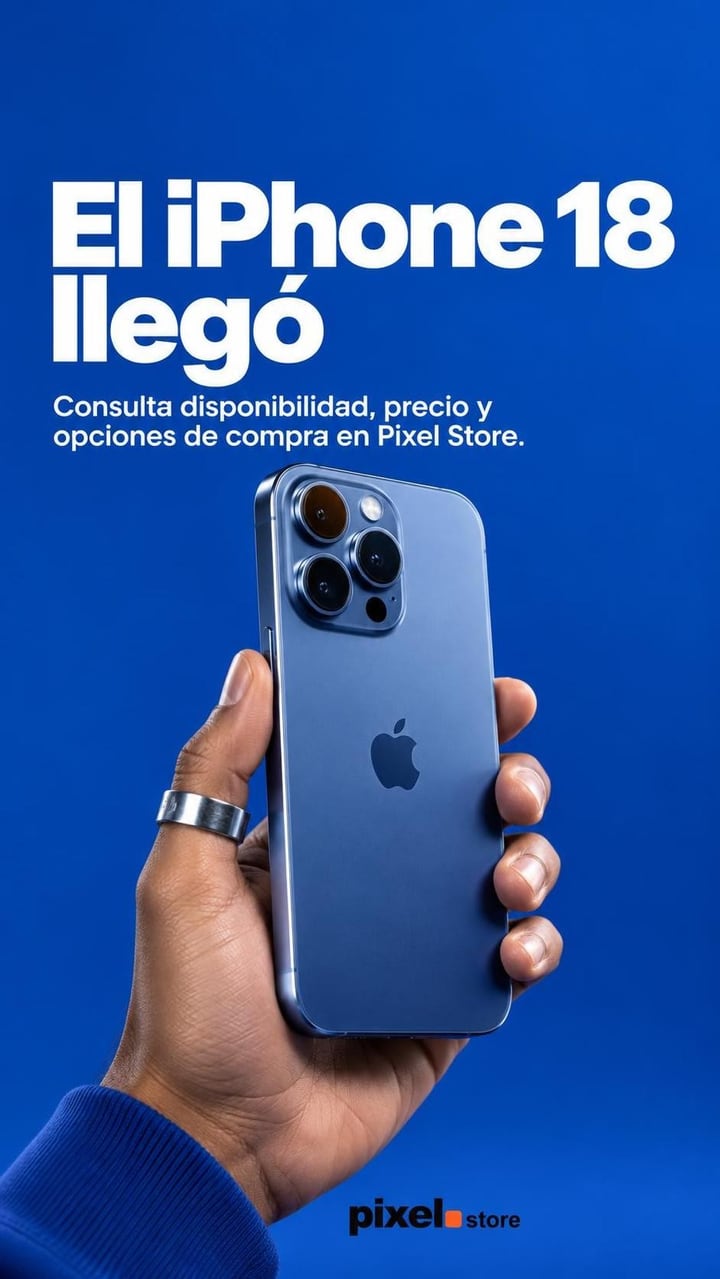
How it goes out
Sample view with a test business. Real designs and copy.
How it works
Make the story
In the creator, pick the Story format (vertical 9:16) and generate it like any other piece.
Choose how it goes out
When publishing, pick Story under Where, then Post directly or Finish on Instagram under How it goes out.
Finish it on your phone
With Finish on Instagram, open the link on your phone, send it to Instagram, add music and stickers, and tap I posted it.
What's included
- Story format, vertical 9:16. The AI is asked to keep the text in the middle, clear of the account name at the top and the reply bar at the bottom.
- No brand signature: Instagram already shows your account above every story.
- Post directly: it goes out on Instagram on its own, right away or at the time you pick, without music or stickers.
- Finish on Instagram: at the time you pick you get an email with the link; on your phone you send it to Instagram and add music and stickers.
- Suggested text to paste into a text sticker, since a story has no caption.
- In the Calendar, stories carry the Story tag.
Which plan
- Free
- Limited
- Starter
- Included
- Pro
- Included
Making, posting and scheduling a story is on every plan; on Free it counts toward the 20 posts a month. Post directly needs an Instagram account connected to the business; Finish on Instagram doesn't.
Frequently asked questions
Does Post directly add music or stickers?
No. The image goes out on its own, with no music, stickers, links or polls. To add them, choose Finish on Instagram and add them in the Instagram app.
Do stories also go to Facebook?
No. Stories go to Instagram only. When you post to the feed, you can pick Instagram, Facebook or both.
Related features
All features- CreatePost creatorWrite what you want to say in one line and get the image, with the text inside it, plus its caption.
- CreatePost animationsTurn a finished piece into a short video you can download.
- Publish and measurePublish and schedulePublish your posts to Instagram and Facebook right away, or schedule them to go out on their own.
Try it with your business
10 free credits when you confirm your email and back to 10 every month, no card and no watermark. The first ones cover 3 Standard images or 10 on Fast.