Change part of your piece without starting over
Open the piece, mark what you want to change and say what to do there. The fix creates a new version, and the previous one stays in the history.
- Free
- Starter
- Pro
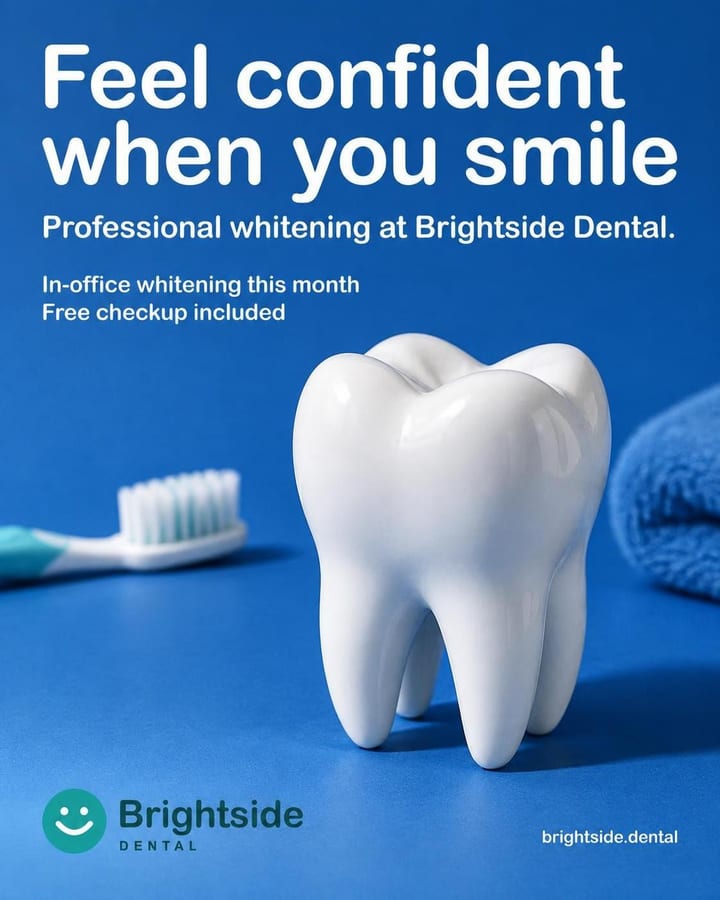
Changes
1 · LargerSample view with a test business. Real designs and copy.
How it works
Open the editor
In My posts, open the piece and tap Fix the image.
Mark what to change
With Mark, draw around what you want to change and choose what to do there. You can also change the background or a text, or write the change in your own words.
Fix and compare
Pick the effort and tap Correct. The new version is saved and you compare it with the previous one using Before and After.
What's included
- Four tools: Mark, Background, Text and Write.
- With Mark you draw an outline around what you want to change and pick what to do: Remove this, Larger, Smaller, Other colour or Add something here. Up to 12 outlines.
- Background offers your brand's colors and, if the text stops being legible, changes its color too. Text lists the texts in the piece so you can change or remove them.
- Write covers anything else, in your own words: a bit more light.
- Quality: Fast (1 credit), Standard (3) or High (6). You're charged only if the fix comes out.
- Each fix is a new version that keeps the format and caption, and you compare it with the previous one using Before and After. It works on a carousel slide too.
Which plan
- Free
- Included
- Starter
- Included
- Pro
- Included
It's on every plan and paid with credits: 1, 3 or 6 depending on the effort. On the free plan they come out of the 10 credits it has every month.
Frequently asked questions
Does everything I don't mark stay the same?
Not always. There's no mask: the model redraws the whole piece with the detail of the effort you pick, so things outside the outlines can shift a little. A High piece fixed on Fast comes back with less detail.
Can I fix any piece?
No. Published pieces and ones you uploaded yourself can't be fixed; the button shows on pieces you generated and haven't published yet.
Related features
All features- CreatePost creatorWrite what you want to say in one line and get the image, with the text inside it, plus its caption.
- CreateReview before generatingCheck and edit the piece's text and colors before you spend any credits.
- Brand and copyBrand styleUpload your posts and logo once, and every new post follows your brand's style.
Try it with your business
10 free credits when you confirm your email and back to 10 every month, no card and no watermark. The first ones cover 3 Standard images or 10 on Fast.